Cloud Sync
Cloud Sync
Cloud Sync Features
Sync macro information between different computers
Sync keybind information between different computers
Sync game system settings between different computers
Sync completed quest information between different computers
Why We Developed Cloud Sync
While leveling on a server, Feiyang often played on different computers, which meant keybinds and macros set up on computer A had to be reconfigured on computer B, and already completed quests would reappear on another computer.
Every time logging in on a new computer required reconfiguration, which was very troublesome — so the idea of developing Cloud Sync was born.
Getting Started
Cloud Sync is enabled under 【1.14.2 / 2.5.3 / 3.4.3】【Launch Game】
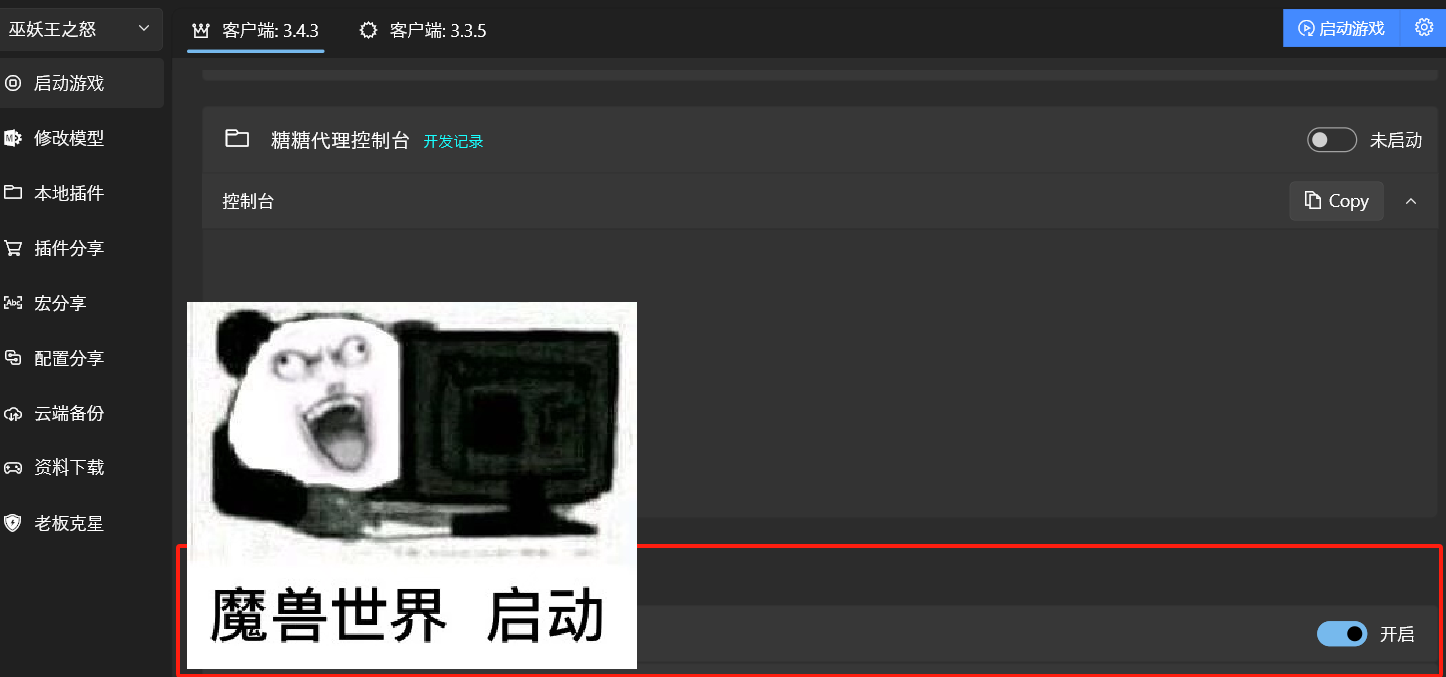
When the console shows Cloud Sync enabled, it means activation was successful and you can log into the game.
Important Notes
When enabling Cloud Sync for the first time, the AccountData data corresponding to 【Custom - Player Account Data Location】 on your computer will be used as the base configuration to initialize the cloud sync database.
This means uploading and syncing all content under AccountData to the cloud. Local AccountData creation and updates are not affected. You can stop Cloud Sync at any time without affecting your character configuration.
Please note: If you enable Cloud Sync on computer A, and then also enable it on computer B to play, the configuration from 【Cloud Sync】will be used. And when you logout to the character selection screen or exit the game, the current configuration (i.e., the cloud sync configuration) will be overwritten onto the local configuration.
Therefore, when enabling Cloud Sync for the first time, it is recommended to use the computer you play on most often.
Reset Quest Records
After logging into the game, enter the following command to clear all completed quest information for this character:
.heitu clear_completed_questsIf you delete a character and then create a character with the same name, without using this command, the quests completed by the previous character will no longer appear on the map.